

Iconography
Icon library
Section titled “Icon library”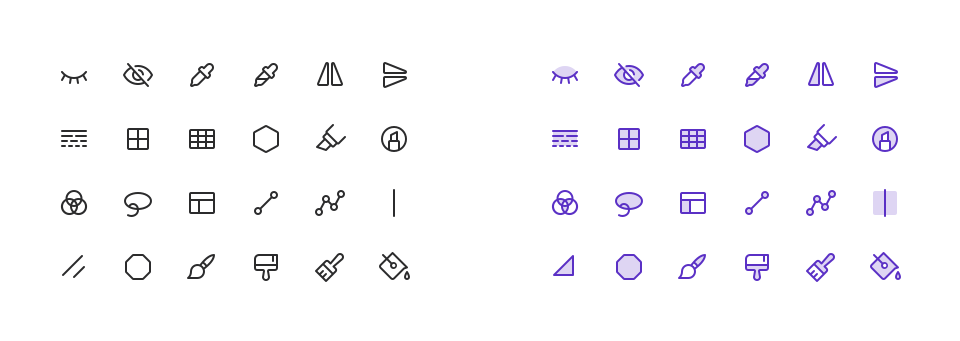
Phosphor is the official icon library for the Pulumi brand.
- Use Phosphor icons for all icons in brand materials, including UI elements, marketing materials, and presentations.
- In UI, use the Regular weight for icons 16px and larger. For smaller system icons at 12/14px (carets, dropdown arrows, etc.), use the Bold weight.
- In marketing materials, the Duotone weight can be used for decorative icons, but should never be used for UI elements.
- Add custom icons only when a suitable icon cannot be found in the Phosphor library. Custom icons should follow the same design principles as Phosphor icons, including line weight, corner radius, and overall style.
Product icons
Section titled “Product icons”Certain custom icons represent Pulumi products and offerings. Use these consistently across all brand materials and UI. Don’t use them to represent anything other than their associated product, and don’t use them in contexts where they might be confused for general-purpose icons.
| Product | regular | duotone | fill | Identifier |
|---|---|---|---|---|
| Infrastructure as code | pulumi-infrastructure-code | |||
| Agentic infrastructure (Neo) | pulumi-neo | |||
| Secrets management (ESC) | pulumi-secrets-config | |||
| Discovery & governance | pulumi-discovery-governance | |||
| Internal developer platform (IDP) | pulumi-internal-developer-platform |
Brand icons
Section titled “Brand icons”Don’t use Phosphor icons to represent other companies’ brands. Use a library that reproduces official brand marks exactly, such as Simple Icons.